
Past event: Free Digital Tools You Should Be Using But Probably Aren’t
Never miss a recap — subscribe to our newsletter and follow @SMBMad for updates.


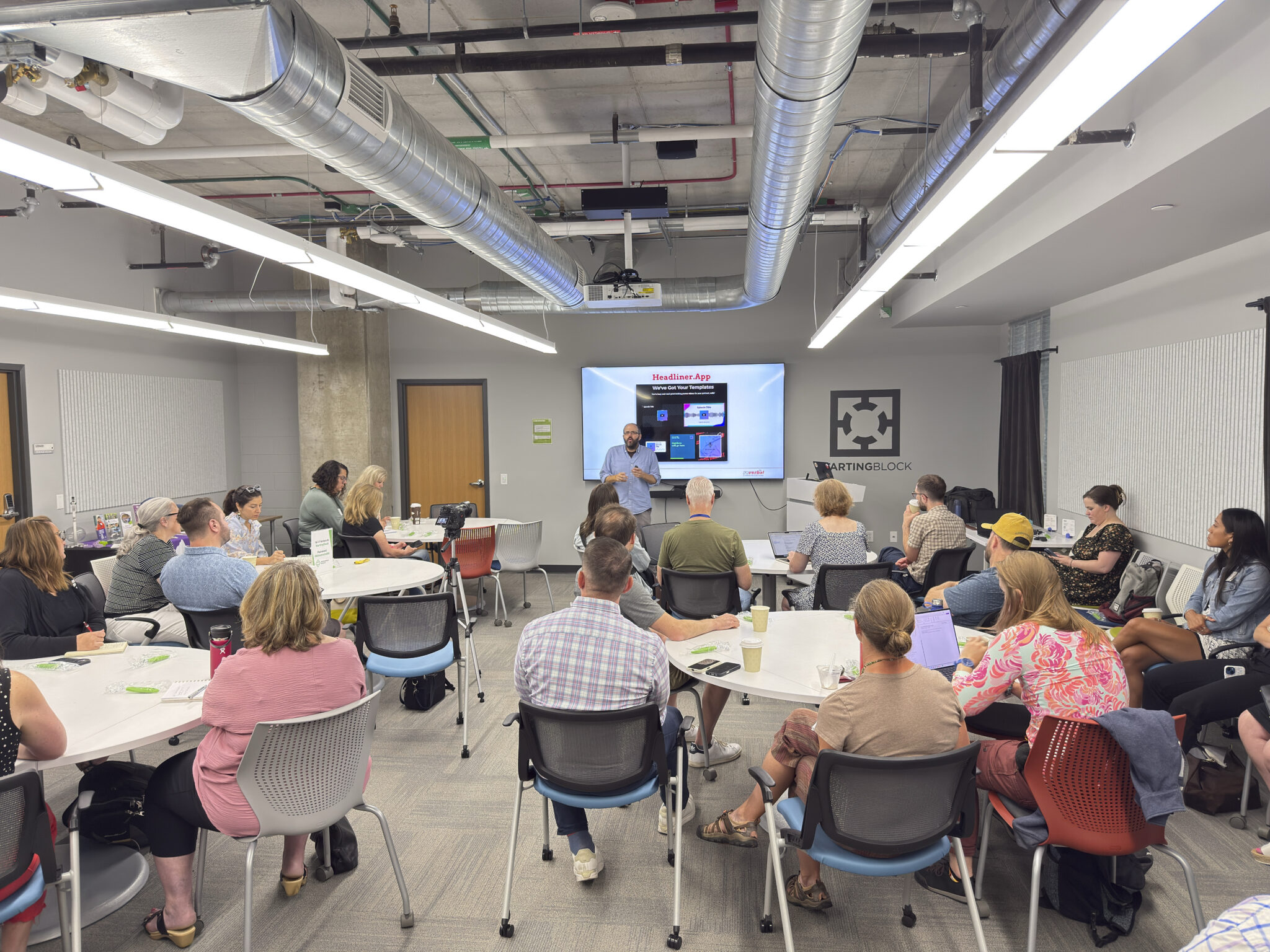

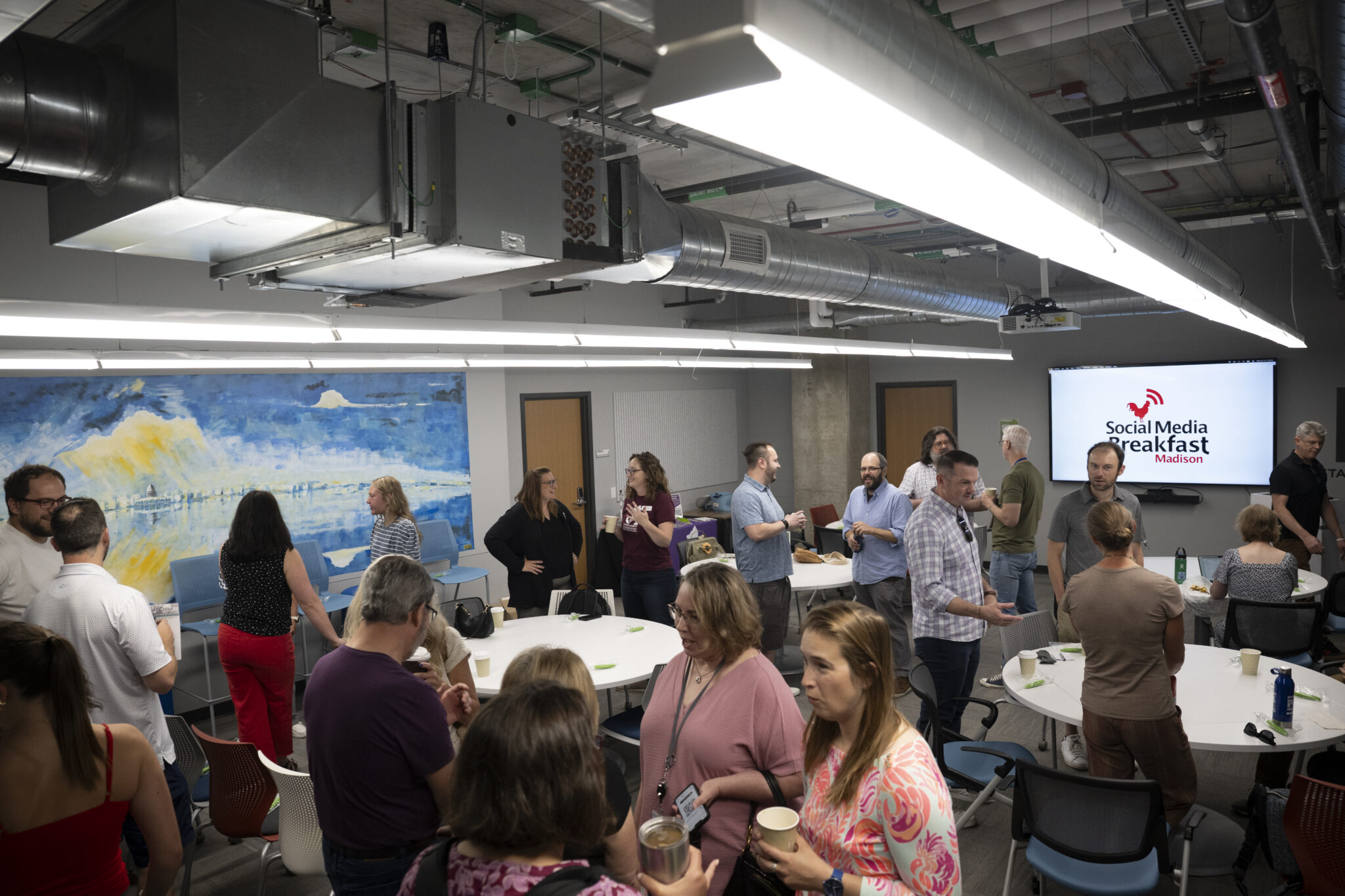
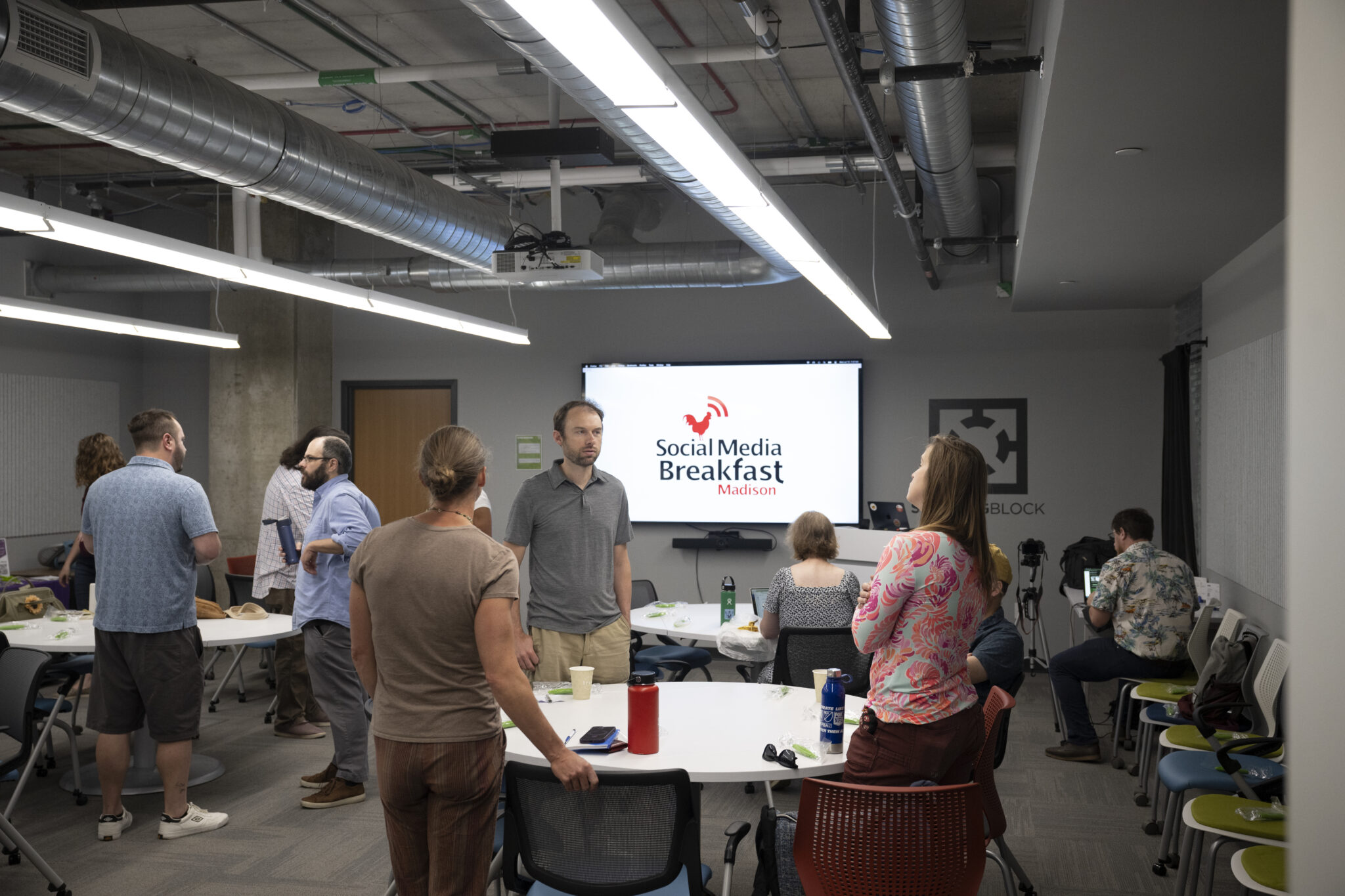
Josh Klemons opened with a question the whole room could feel in their bones: raise your hand if you love spending money. Raise your hand if things feel cheaper today than they used to. Nobody moved. Everything is expensive and getting more so, which is exactly why he spent the morning sharing just a few of the free digital tools he uses from the giant list he’s curated over the years. Every tool he covered is free to get started, though some offer paid upgrades.
Josh is a digital storyteller and strategist, the founder of Reverbal Communications, and former president of the SMBMad board. What started years ago as a personal habit of bookmarking cool free tools has turned into a collection of literally thousands of them, a newsletter, and a running series of talks like this one. The through line across every client he works with, from tiny nonprofits and solopreneurs to Fortune 500 companies and statewide and national political campaigns, is the same: everybody is strapped, and everybody is asking how to do more with less.
He set one ground rule before diving in. The goal is not to start using every tool he shares — that’s a recipe for putting yourself out of business. The goal is to change how you think about what’s available to you on the internet. Sometimes all it takes is a Google search: how can I do this thing for free?
One Job on Social: Share, Engage, Listen, Learn
Josh frames all of social media around a single job he abbreviates as SELL: Share (create content and put it out in the world), Engage (talk to the people talking to you), Listen (understand what’s happening that you didn’t create), and Learn (read your analytics). Most of his tools map onto listening and learning — the two disciplines small teams skip most often and need most.
Know Everything Happening in Your Corner of the Internet
The listening tools were the heart of the talk, and the ones that drew the most audible surprise. The Facebook Ads Library lets you see every active ad running on Meta right now — search by brand or keyword and study exactly what Target, Amazon, or your local competitor is putting money behind. Political ads live on for seven years, so there’s an even deeper archive there. Google’s Ads Transparency Center does the same across Search, Display, and YouTube. As Josh put it, it’s the easiest way to learn from people with budgets you’ll never have.
Then there’s the quiet workhorse of the whole category: Google Alerts. Josh runs roughly 200 of them. Tell Google a search term you care about and instead of hunting for it daily, you get an email whenever it appears online. Pair it with Boolean operators (capital AND, OR) and quotes to sharpen the net, and dial the frequency to match how urgent the term is — your own name daily, broader industry phrases weekly.
For the deeper listening stack, Josh leans on three tools. Mailbrew delivers a once-a-day email digest of any subreddits you follow — his favorite way to absorb what’s happening on Reddit without the pain of actually living on Reddit. (His aside there is worth repeating: if you research products online and you’re not adding “Reddit” to your searches, you’re missing the realest conversations on the internet.) Feedly is his RSS reader, pulling up to 100 sources — from the New York Times to a neighbor’s garage blog — into one scrollable feed so he never visits fifty news sites by hand. And the Wayback Machine captures historical snapshots of any website over time; he’s used it to help a journalist reconstruct a story and to recover info from pages that no longer exist.
He rounded out listening with two archives for studying other people’s work: Milled, which lets you read marketing emails from brands without subscribing (great for consumer and DTC inspiration), and PoliticalEmails.org, the same idea for campaign and advocacy email.
Let Your Analytics Ask the Questions
On the “Learn” side, Josh made the case that if you post without checking analytics, you’re not really doing social media — you’re throwing things at the wall. He walked through the free, built-in dashboards most people ignore: LinkedIn’s per-post analytics (not amazing, but finally good enough), Meta Business Suite Insights (the richest free analytics of any platform, with sortable columns you can filter like a spreadsheet), and Instagram Insights, buried in the hamburger menu, including a stories archive that keeps the numbers long after the stories vanish. His framing was the line of the morning: analytics don’t give you the right answers, they give you the right questions. They’ll tell you three posts worked — it’s your job to find the through line and do more of it.
Make It Look Good Without a Design Budget
For creating the actual content, Josh started where everyone expects — Canva, which he uses every day — but spent more time on the tools people haven’t heard of. CapCut is his desktop video editor of choice, “iMovie if it grew up,” powerful enough for tricks like masking (making a subject move across a split screen) yet simple enough to start using in ten minutes. Veed.io does one thing beautifully: clean automatic captions on video. Instagram Edits, Meta’s answer to CapCut, he actually prefers on mobile, and it ships with a free teleprompter.
A cluster of clever single-purpose tools followed. Thread Magic turns any tweet thread into the PDF carousel LinkedIn loves. Headliner builds audiograms from podcast clips — pick your two best minutes, add a graphic, and post it as video instead of a dead link. Josh even demoed a tweet-to-graphic tool he vibe-coded himself in Claude, free and login-free, because “everyone hates Twitter and everyone loves screenshots of tweets.”
On visuals, Unsplash still offers beautiful free photos (though he warned it’s now Getty-owned, so read the terms and watch for paid images), and he pointed to a personal roundup of ten sources for more diverse stock imagery. Two Chrome plugins earned genuine devotion: ColorZilla, which grabs the exact hex code off any website, and WhatFont, which names any font on a page — a combo he uses to match a prospect’s real brand colors and typeface before he ever sends a proposal. WebAIM’s contrast checker confirms your color choices are readable and ADA-compliant, and Snapseed is a free mobile photo editor he called “a whole Adobe suite in your pocket” for the rare moments Instagram’s editor isn’t enough.
Write Tighter, Publish Faster, Rank Higher
The closing stretch moved fast through writing, SEO, and workflow. Grammarly catches typos; the Hemingway App (hemingwayapp.com) actually makes you a better writer by flagging fluff and complexity until a sixth grader could follow you — no AI required. RelatedWords.org is his brainstorming engine for naming products and campaigns, and WordCounter.net settles those “you’re over the limit” application battles.
He was almost evangelical about two things hiding inside tools you already use: Gmail signatures (switch between multiple with one click) and Gmail templates (write a proposal or engagement letter once, then send it in seconds forever after). Same for the browser — pinned tabs, tab groups, and split-screen tabs in Chrome quietly reorganized how his brain works during a project.
On SEO, Ubersuggest is his budget-friendly stand-in for Ahrefs and Semrush; Ahrefs’ free Broken Link Checker scans your whole site once or twice a year (Google hates broken links); and Google PageSpeed Insights tells you whether your site is fast enough to be worth ranking. Two utilities closed it out: StripHTML.com, which kills the giant white gaps that appear when you paste from Google Docs into Mailchimp, and GetEmoji.com plus the built-in OS shortcuts (Windows key + period, or Control + Command + Space on a Mac) for dropping an emoji anywhere. He even shouted out Goods Unite Us, a Madison-built tool that shows what share of a company’s political donations goes to each party.
The Takeaway: Free Is a Mindset, Not a Compromise
If you left with a to-do list of forty new tools, Josh argued, you missed the point. The win is a new instinct: before you subscribe to anything, ask whether a free version exists — because more often than not, if you’re willing to do a little work, it does. Yes, he pays for plenty of tools himself, and sometimes buying the thing is genuinely worth it. But the internet is full of powerful, free stuff sitting unused simply because nobody knew to look. Now you know to look.
About the Speaker
Josh Klemons is a digital storyteller and strategist and the founder of Reverbal Communications, where he has done digital work with local, statewide, and national political campaigns, tiny nonprofits, solopreneurs, Fortune 500 companies, and everything in between. He writes, teaches, and consults on social media and digital marketing strategy, publishes a Free Digital Tools newsletter, and hosts podcasts on the intersection of social media and digital marketing. You can check out ShareSparrow, the app Josh built to turn tweets and Bluesky posts into shareable graphics. Check out his podcasts Hello Merge Tag & Step Up Your Social and make sure you connect with him on LinkedIn.
Nonprofit Spotlight: Dane County Humane Society
Dane County Humane Society (DCHS) is one of the nation’s leading animal welfare organizations, providing refuge, healing, and second chances to thousands of animals every year.  While many people know DCHS for helping dogs and cats find loving homes, their impact extends far beyond adoptions. DCHS also cares for injured and orphaned wildlife, supports exotic and barnyard animals, offers dog training classes, operates a pet food pantry, and provides foster care for pets belonging to survivors of domestic abuse.
As a donor-supported nonprofit, DCHS relies on the generosity of the community to continue its mission of “Helping People Help Animals.” Through a combination of dedicated staff and more than 1,000 active volunteers, they create a culture of compassion, empathy, and care that benefits both animals and the people who love them. Whether it’s helping a family keep a beloved pet during difficult times or rehabilitating wildlife for release back into nature, DCHS works every day to make Dane County a more humane place for all.
One of DCHS’s signature fundraising events is Bark & Wine, held each fall. This popular event brings together animal lovers, local businesses, and community supporters to raise critical funds for the organization’s lifesaving programs and services. DCHS also hosts special adoption events throughout the year, helping even more animals find their forever homes.
Connect with them at:
Website: giveshelter.org
Facebook: @giveshelter
Wildlife Center Facebook: @dchswc
Thrift Store Facebook: @DCHSThriftStore
Instagram: @dchsgiveshelter
Thrift Store Instagram: @dchsthrift
LinkedIn: Dane County Humane Society
Thank You to Our Sponsors
This event wouldn’t be possible without the generous support of our sponsors:
- StartingBlock
- Gather Wisconsin
- Live Well Video
- VEDUB Media | Bryant Vander Weerd
- Melissa Carlson Creative
- Suttle-Straus
- Talent CPA
Social Media Breakfast Madison is a volunteer-run nonprofit focused on educating our community about social media and building a network for like-minded professionals, entrepreneurs, and nonprofits. We’re always looking for board members, volunteers, and sponsors to help keep these events free. Reach out to any board member to get involved.